Event Log Window
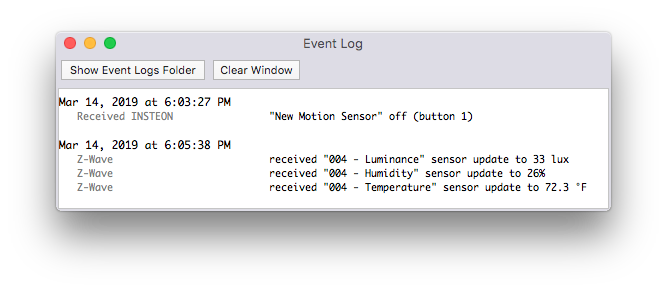
The event log window shows you most everything the Indigo Server is doing at any given time. You see incoming and outgoing traffic, trigger and schedule executions, and other useful diagnostic information.
Show Event Logs Folder- this option opens the Logs folder in the Finder. Here you will find one file for each day's events. You can change how many day's worth of event log files are stored by selectingIndigo 2025.2->General Settings...and then selecting theGeneraltab. There, you can enter the number of days of event log files that you want to keep. Indigo Server will delete all files outside of that period of time.Clear Window- this option clears the log entries from the Event Log window.